Visitor management
Invite, register, and check in visitors, with badges and host notifications.

Suite
Status
Runs on
REX agents
The work
Invite the guest. Check them in. Print the badge.
-
How it works · 01
Invite the guest
Hosts create the visit in the app or web with date, host, floor, and Bypass or Stop at Desk. Use groups, bulk CSV, recurring visits, or an Outlook invite for volume.
-
How it works · 02
Screen automatically
Watchlist matching holds flagged visits as Pending until Security approves or denies.
-
How it works · 03
Check them in
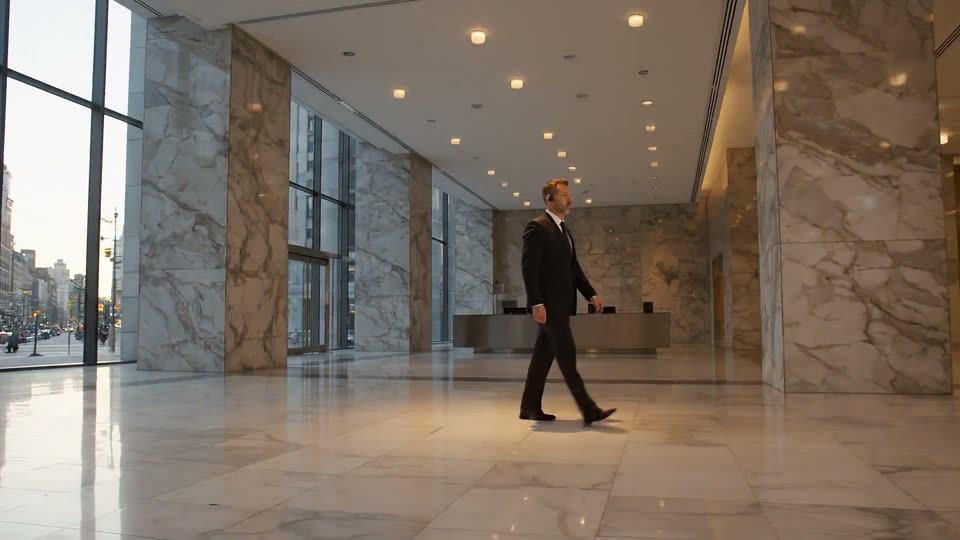
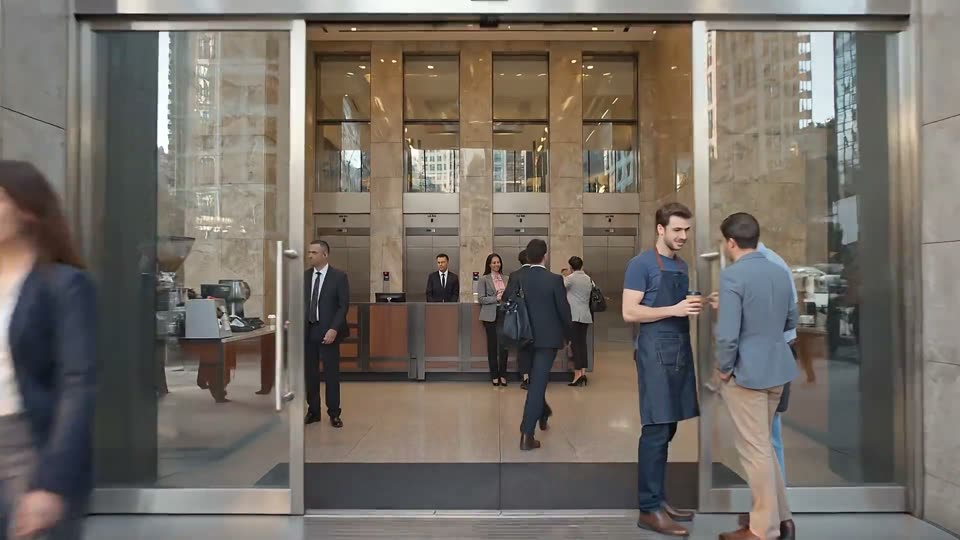
Scan the QR, plate, or ID at the desk, or let visitors check themselves in at the kiosk. The host is notified.
-
How it works · 04
Print the badge and record the visit
Print from the active preset. Check-out removes access. Export visits for reporting.
Features
Everything in the box.
Every feature, grouped the way teams look for them. Search when the list is long.
Nothing matches “”.
Pre-registration
Front desk & check-in
Kiosk
Badges, access & security
Notifications & roles
Vendors, reporting & partners

Apps & channels
Where it shows up.
The surfaces this product runs on. Anything not yet shipped carries its label.
Every surfaceCan tenants pre-register their own visitors?
Yes, from the mobile app or the web portal.
What happens when a visitor matches the watchlist?
The visit is held until a Security Admin approves or denies it in the Watchlist tab.
What does the Badge column show?
Whether a building access badge is assigned to the visit and its current state.
How do I filter the visit list to a specific tenant?
Use the Host company dropdown.
Can I have different badge presets for different buildings?
Yes. Create as many presets as you need; one is active at a time.
Can visitors print their own badges?
No. Printing is a front desk action.
Operations
Service requests
Requests from tenants and staff, routed to the team that owns them, tracked to close.
Operations
Resource booking
Rooms, desks, and amenities booked by tenants, approved by your team, synced to calendars.
Operations
Access control
Mobile credentials and access rules connected to the building's access systems.
Operations
Building systems
Connections to the systems that run the building, so their data lands on the record.
Operations
BetaEquipment
The assets in the building, their maintenance schedules, and their inspection history.